
An art progress time lapse built one session at a time
A finished piece gets scrolled past. The version people stop for is the one where they watch it appear, and that only works if every session was photographed from the same place, with the edges of the canvas where they were the time before.
For lining up photos you already took, read how to overlay photos to compare progress.
SameShot is a free progress photo app for Android, made by Appynox. The iPhone version is in development.
How often to take art progress photos
Every working session. A session is the natural step for made work. One photo at the end of each session gives the time lapse one frame per real change, which keeps it readable from start to finish.
Every subject has its own pace; the article on how often to take progress photos compares them side by side.
Art photo setup: square to the canvas, under one lamp
-
Fill the frame with the work
Keep the edges of the canvas in the same place in every photo. Those edges are what the overlay lines up against.
-
Camera square to the surface
Straight on, centred and level. Any angle turns a rectangle into a trapezoid, and the shape changes from session to session.
-
One lamp for every session
For made work a fixed lamp beats a window, because you will work at night too and the light has to match anyway.
-
Photograph the blank surface first
The empty canvas is frame one. Without it the time lapse starts halfway through.
What the camera shows while you line up a canvas
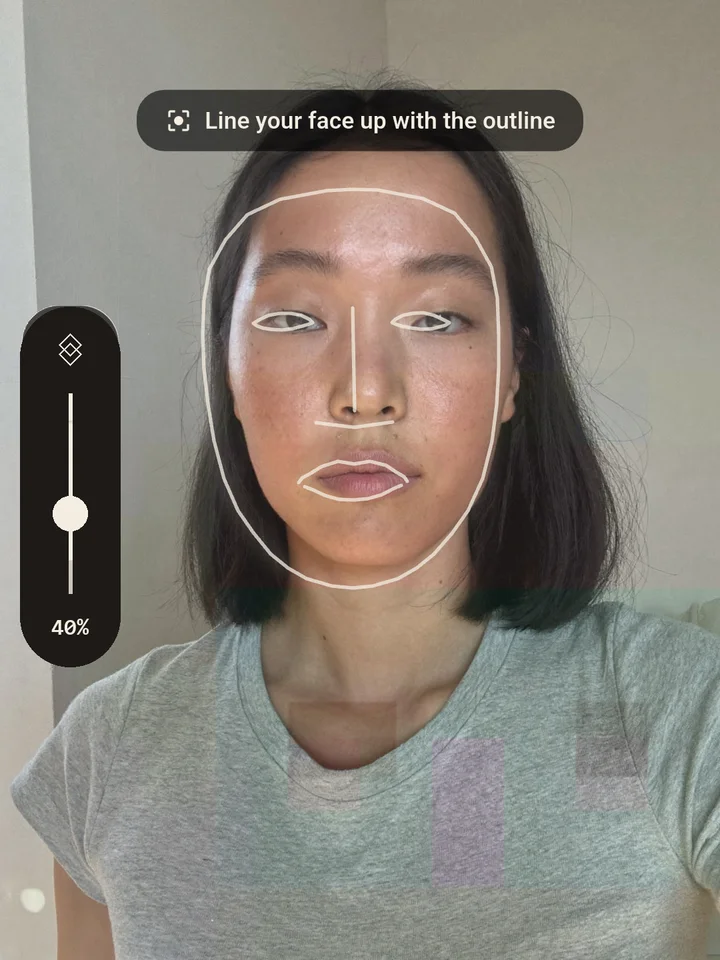
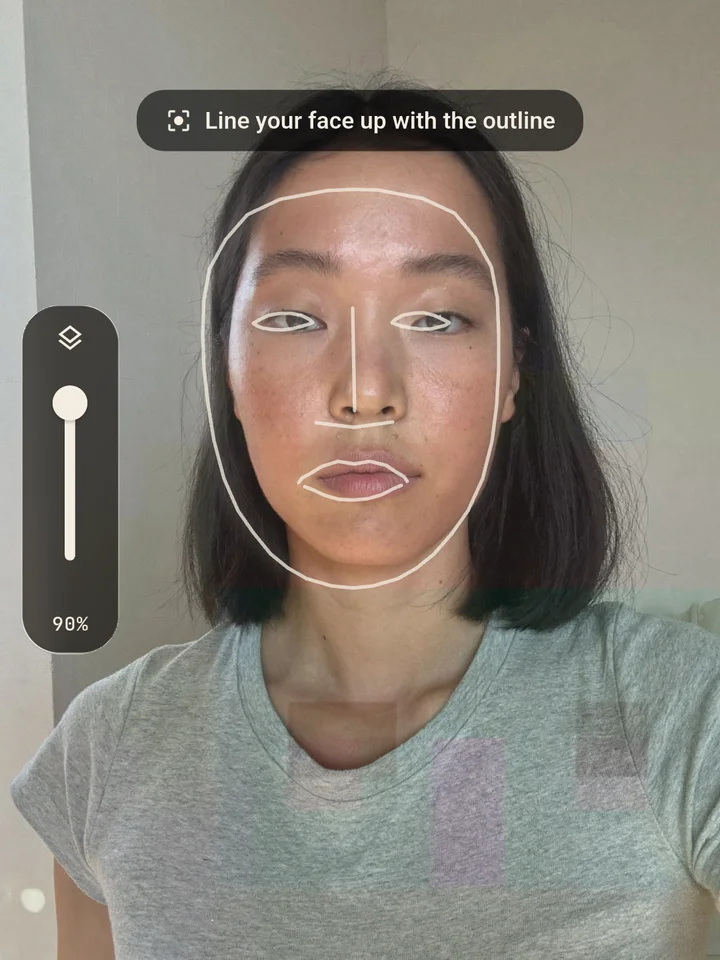
Last session's photo sits over the live view, and the slider on the left sets how strongly it shows, from 0 to 100%. Put the corners of the canvas on the corners of the ghost and shoot; SameShot then lines the photo up with the first one and marks the match with a red, amber or green line.
- For a finished piece with no app photos, make a time lapse from the photos you already took.
- To check two session photos against each other, use the photo alignment checker.
Common art photo mistakes
- Photographing at an angle to avoid glare, at a different angle each time.
- Only photographing the sessions that went well.
- Cropping each photo by hand afterwards, which brings back the drift you were avoiding.
Art progress photo questions
How do I make a painting progress time lapse without a rig?
Take one photo at the end of every session from the same spot, square to the canvas and under the same light, with the canvas edges in the same place in the frame. Line each new photo up with the previous one and export the set as a video when the work is done.
Can I post an art time lapse to Reels or TikTok?
Yes. Shoot the project in 9:16 and the video is ready for Reels, Shorts and TikTok. The free version renders in HD in the project's own shape; Premium adds 1440 px, smooth transitions and reframing to another shape.
Other things people track with SameShot
Get SameShot on Google Play
Start a project today. The first photo you take becomes the ghost that the second one lines up against.

SameShot: Progress Photo Cam
By Appynox, on Google Play

Free with ads; a single Premium payment removes them. Needs Android 8.0 or newer.