
Pregnancy bump photos from one spot, week by week
A bump photo set cannot be redone once the weeks have passed. Photos taken in whichever room was nearest rarely cut together, while photos from one wall, each lined up with last week's, play back as one continuous change from the first weeks to the last.
For floor marks, light and the week by week routine, read how to take pregnancy bump progress photos week by week.
SameShot is a free progress photo app for Android, made by Appynox. The iPhone version is in development.
How often to take pregnancy bump progress photos
Once a week. Pregnancy is counted in weeks, so a weekly photo matches the way you already talk about it. It also gives enough frames for a smooth video by the end, and one reminder on the same weekday keeps it going.
Every subject has its own pace; the article on how often to take progress photos compares them side by side.
Bump photo setup: the wall, the profile and the outfit
-
Pick the wall early
One wall, one floor mark and one time of day, chosen before there is much to photograph. You cannot go back and reshoot an early week, so the spot has to be one you can return to every week.
-
Side profile as the main project
The side view carries most of the change, and it is the one that becomes the video. Add a front project if you want one; Free keeps one project and Premium has no limit.
-
Fitted clothes, or one repeated outfit
A loose top hides the shape. One fitted item kept just for the weekly photo solves it for the whole pregnancy.
-
Same hand position
Hands change the outline more than a week of growth does. Pick one position and keep it, and the video stops flickering.
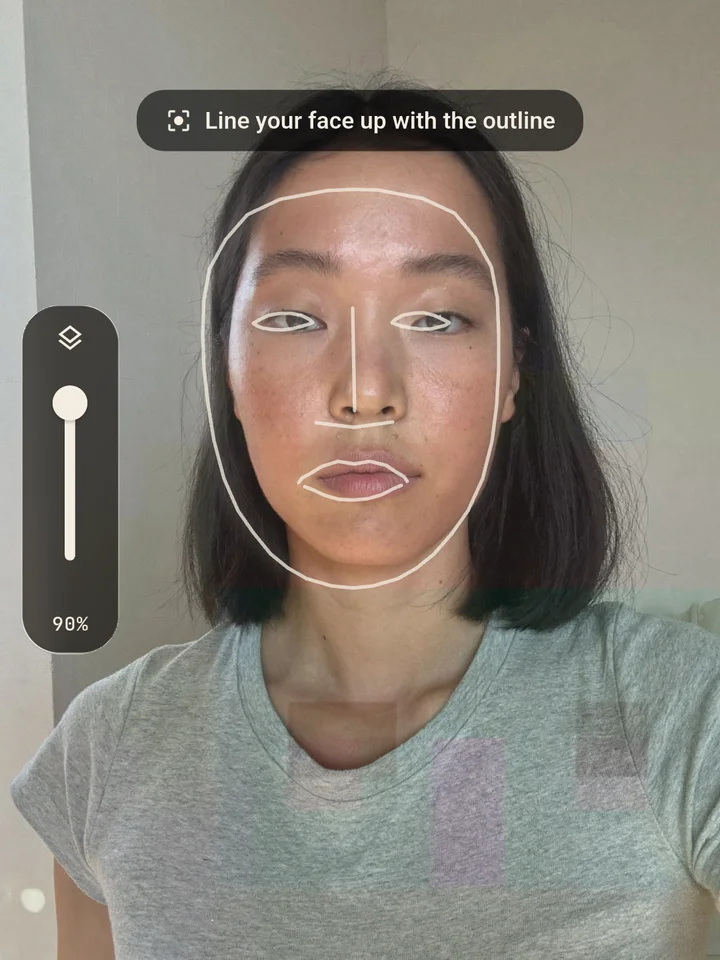
What the camera shows while you line up a bump photo
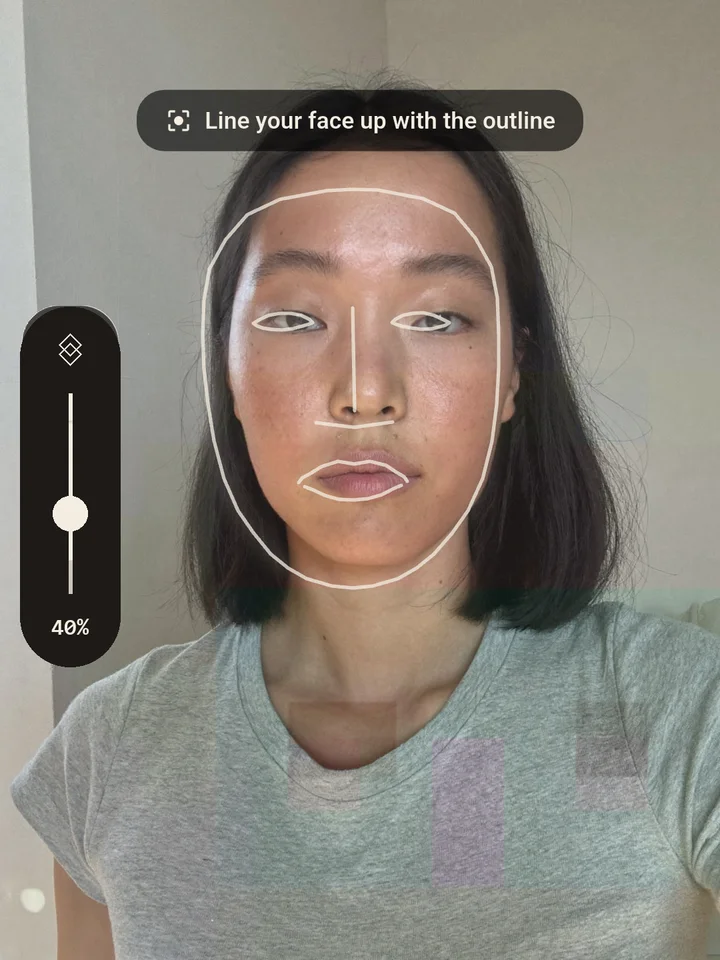
Last week's photo sits over the live camera, and the slider on the left sets how strongly it shows, from 0 to 100%. Line your shoulder, the edge of the wall and your feet up with the ghost, then shoot with the self timer or let auto capture fire once you match. Date stamps can put the date, a week number or your own label on the finished video.
- With all the weeks in a folder already, turn the bump photos into a time lapse in your browser.
- To see how long the video will run, try the time lapse calculator.
Common pregnancy bump photo mistakes
- Starting halfway through, when there is already a bump.
- Shooting in different rooms while travelling. Face mode follows a face and cannot hold a bump in place, so choose a wall you can get back to.
- Deleting the weeks you felt rough. They are part of the story too.
Pregnancy bump progress photo questions
When should I start taking bump photos?
As early as you are comfortable, ideally before anything shows. The early flat weeks are what make the later ones read as change, and they are the only weeks you cannot recreate later.
How do I make a pregnancy time lapse?
Take one side profile photo a week from the same spot, in the same light and the same fitted clothes, each lined up with the previous week's photo. At the end, SameShot turns every photo in the project into one video, ready for Reels, Shorts and TikTok if the project was shot in 9:16.
Can I add bump photos I took before I started using the app?
Yes. Import them through the photo picker and they slot into the timeline by the date they were taken, so early weeks shot with the normal camera still count.
Other things people track with SameShot
Get SameShot on Google Play
Start a project today. The first photo you take becomes the ghost that the second one lines up against.

SameShot: Progress Photo Cam
By Appynox, on Google Play

Free with ads; a single Premium payment removes them. Needs Android 8.0 or newer.